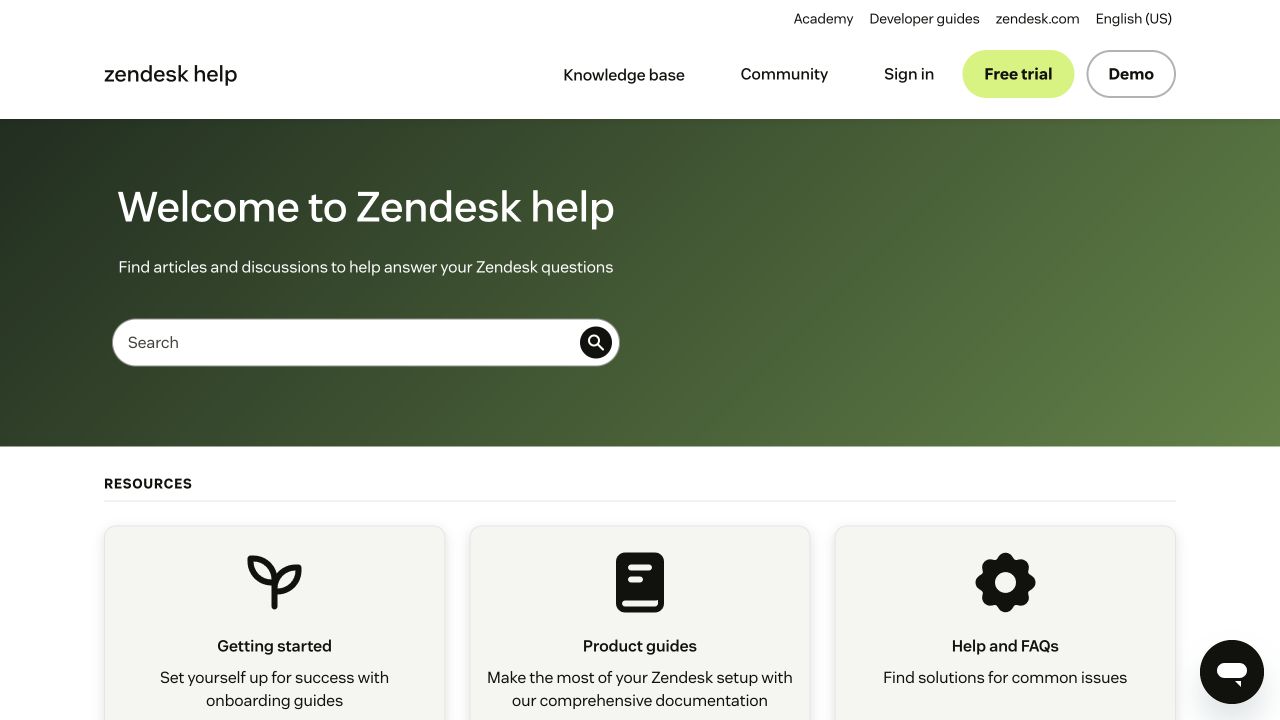
Zendesk Help Center
Search comes first, with clear routes into onboarding, product guides, and community.
Compare with DocsAlot →Branded help center
Make your help center feel like your own site, with branded navigation, rich articles, and quick paths to the answers customers need.
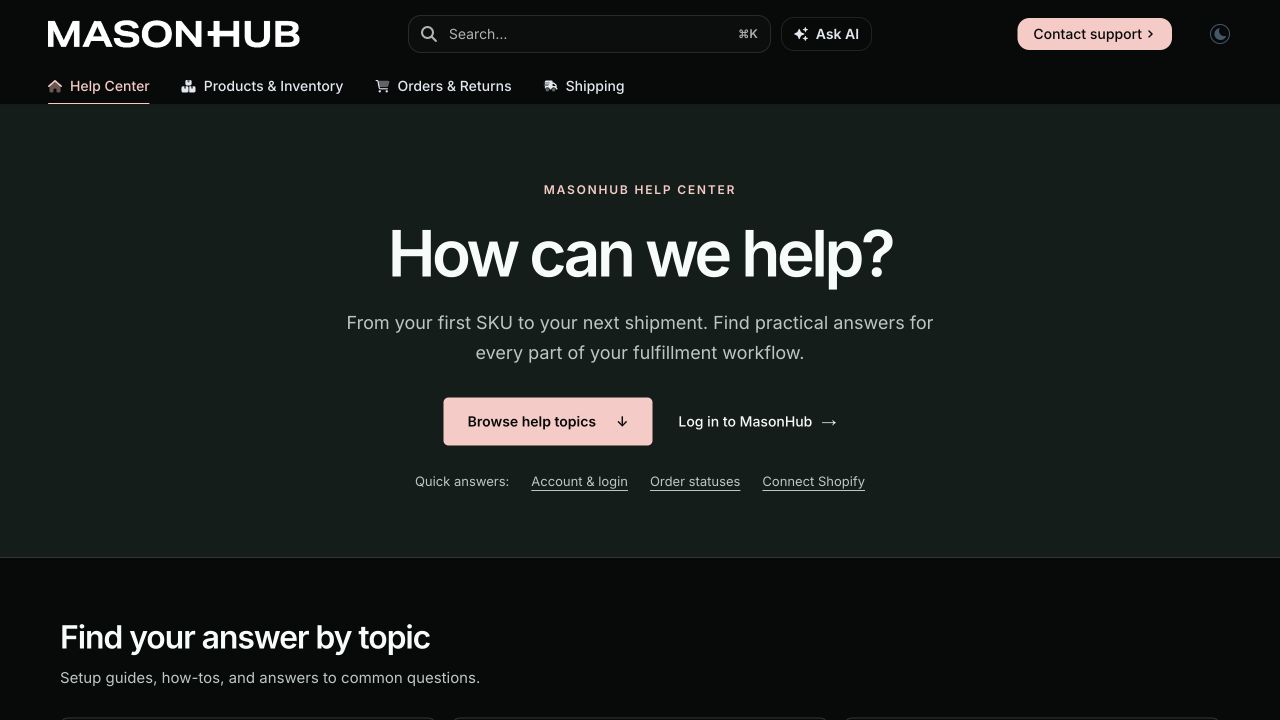
Published design
MasonHub puts fulfillment tasks and quick answers first. See how that approach compares with Zendesk, Intercom, and Help Scout’s own public support sites.
Search comes first, with clear routes into onboarding, product guides, and community.
Compare with DocsAlot →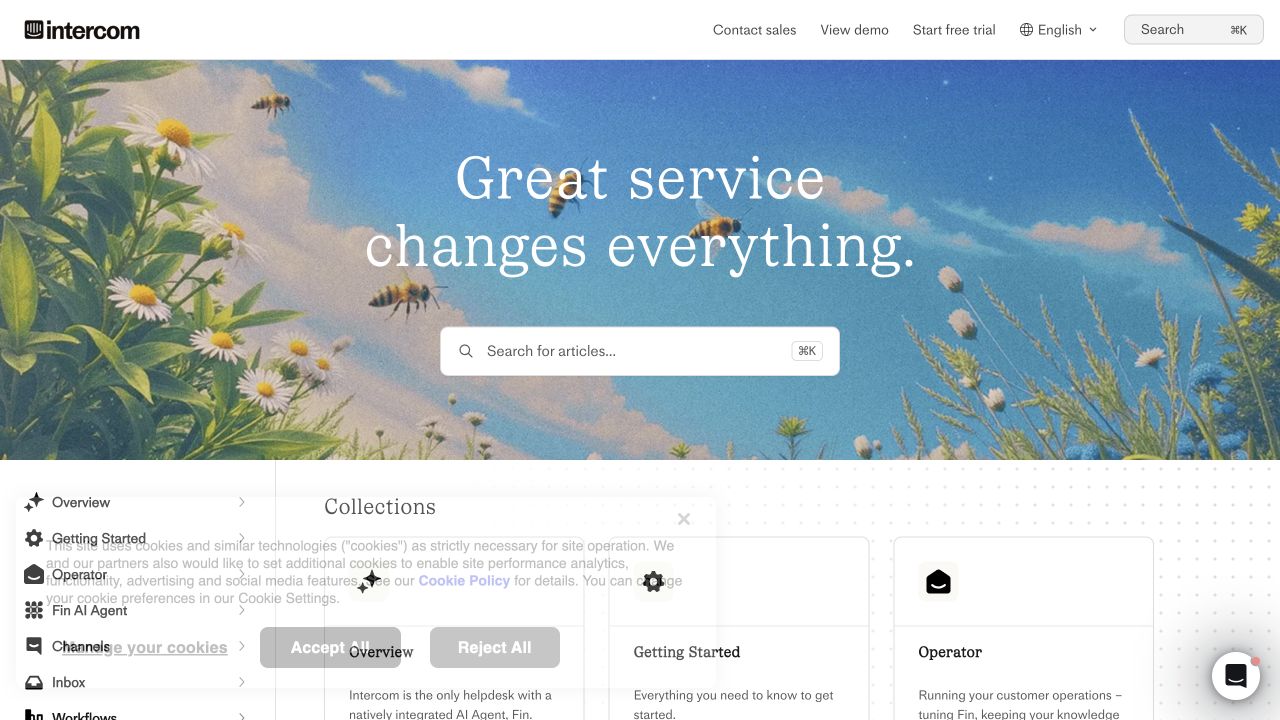
An expressive branded hero puts search up front, with collections for the broader Intercom suite.
Compare with DocsAlot →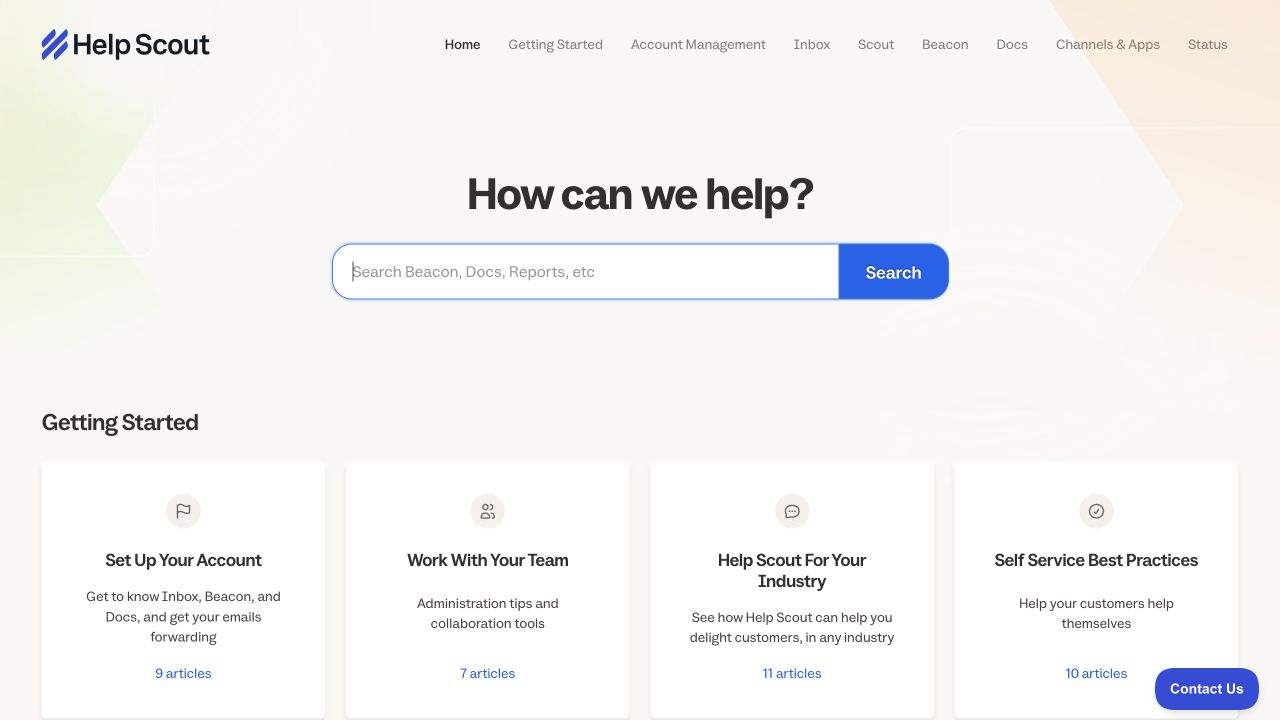
A simple search-first layout pairs grouped articles with an easy-to-find contact option.
Compare with DocsAlot →Desktop captures, November 5, 2026. These are published examples, not default templates or migration case studies.
How it works
Build help articles with screenshots, steps, and troubleshooting. Use the visual editor for updates your support team can make themselves.
Organize articles around tasks your customers recognize. Give them a clear path from search or browsing to the right guide, with a link to your support team.
Give readers useful quick links, clear categories, and a visible contact option for questions that need your team.
Before you switch
Preview the public experience before touching your existing domain or support workflow.
See more knowledge-base examples →Yes. You can publish the public help center separately and link to your existing support form. Keep your inbox, ticket routing, and agent workflows in your help desk. Test the contact path before switching.
Inventory the articles people already use and preserve your domain and paths where possible. Map changed URLs to redirects, then check links, images, search, and the support form before cutover.
Build the page, preview how it looks, and decide what to move next.