Head-to-head research
Zendesk vs Intercom: Which Should You Choose?
Zendesk for ticket operations. Intercom for in-app support. Keep your inbox if only the help center needs to change.
Choose Zendesk when tickets need to move across queues, teams, and channels. Choose Intercom when customers mostly ask for help inside your app and you want Messenger and Fin together. If your team already likes its inbox, test a better public help center before moving the entire support stack.
Related research: Zendesk Help Center migration guide, Intercom Articles migration guide.
Key differences
Three support workflows worth testing.
Start with a real ticket, an in-app question, or a help article that needs updating.
Tickets, queues, and escalation
Start with Zendesk if requests come in across channels and need to reach different teams. Test one ticket from first contact through reassignment, escalation, and reporting.
Help inside the product
Start with Intercom if customers mainly need help while using the app. Test a Messenger conversation where Fin answers from an article and hands an unresolved question to a person.
A new help center without a new inbox
Try DocsAlot if the problem is the public site: hard-to-find answers, dated design, or articles that lag releases. Keep ticket history and routing where they are, and test search, links, and AI answers before moving.
Side-by-side matrix
Zendesk vs Intercom: pricing, tickets, and help content.
Compare the monthly entry plans, then price the features and usage your team actually needs.
Swipe sideways on mobile to view the full matrix.
| Dimension | Zendesk | Intercom | Takeaway |
|---|---|---|---|
| Starting price | $69 / agent / month Suite Team includes a knowledge base. This is the monthly Suite price, not the lower ticketing-only plan. | $39 / seat / month Essential includes a public help center. Fin outcomes and some channels are billed separately. | Compare plan limits and operating costs, not just the entry price. |
| Ticket workflow | Ticket queues, routing, and escalation | Shared inbox and Messenger conversations | Zendesk for complex queues; Intercom for in-app conversations. |
| Public knowledge base | Zendesk Help Center | Intercom Help Center | Both offer a hosted help center. Test how a customer finds and follows a real article on mobile. |
| External articles for AI | External sources for supported knowledge experiences | Public website sync for Fin | Both can use external content. Verify source access, refresh, and handoff in the workflow you use. |
| What to budget for | Agent seats, Suite features, and applicable AI usage | Seats, Fin usage, and any paid channels | Model a real month with your seat count and support volume. Compare total spend, not the entry prices alone. |
This matrix is meant to narrow the shortlist by revealing which operating model fits the team better in practice.
Shortlist guidance
Which setup fits your team?
Choose based on where support work happens and whether you need to replace the inbox at all.
Zendesk
Choose Zendesk if
- Your agents handle multiple queues and channels.
- Escalation, routing, and ticket reporting matter more than in-app messaging.
Intercom
Choose Intercom if
- Most customers ask for help through your app or website.
- You want Messenger, Fin, and human support in the same workflow.
A managed third path
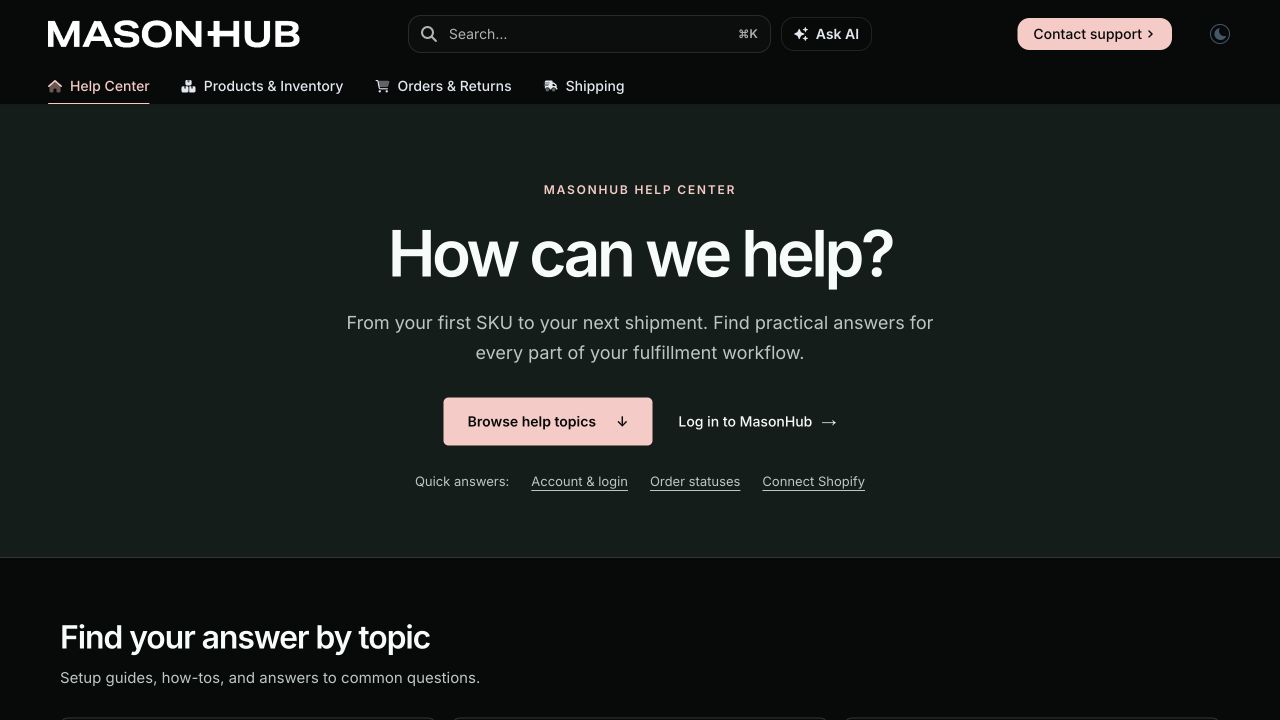
Keep your inbox. Move only the public help center.
Use DocsAlot for the site customers read and the articles your team updates when the product ships. Keep your ticket queue, conversations, and escalation workflows in Zendesk or Intercom.
$79 / month for managed public docs.
Where DocsAlot fits
- You want to keep your inbox, ticket history, and routing.
- You need a branded help center that is easy to update when the product ships.
- You want to review a sample article before changing your public URLs.
Bottom line
What usually decides Zendesk vs Intercom.
If the queue is the problem, compare support platforms. If the articles are the problem, keep your inbox and preview a new help center first.- Preview one public article first. Check mobile layout, search, and the route to a human.
- Verify redirects and AI source refresh before switching your domain.
Common comparison questions
Intercom vs Zendesk: questions teams ask in reverse order.
These are the search and shortlist questions that usually come up when the same comparison is framed from the other side.
Can I move my help center without moving my inbox?
Yes. Keep Zendesk or Intercom for conversations and tickets, and publish public articles separately. Test contact links and routing before you switch.
Will Zendesk AI or Intercom Fin read the new site?
Both document ways to connect external public content. Test source access, citations, and refresh in your account; private articles need a separate access plan.
Can I test the move without changing live URLs?
Start with one public article in a private draft. Check layout, search, and links first, then map URLs and redirects before changing the live domain.
Related research
Keep the research moving without restarting from scratch.
If the category boundary is still moving, the next useful pages are usually adjacent head-to-head matchups in the same research track.