Looking at real knowledge-base examples is more useful than copying a template. The right front page depends on the questions your readers bring, and on what happens when self-service does not solve their problem.
These three live sites show different jobs: a support-first knowledge base, a help center attached to a support platform, and technical documentation that still gives readers a path to a person. Screenshots were captured October 31, 2026. Each site may change after that date.
1. HelpDocs: make search the first action
The HelpDocs public support site opens with a large search field, popular articles, and topic navigation. That is sensible when a visitor already has a question and wants an answer before contacting support. The front page also links to API and contact paths, so search is prominent without becoming a dead end.
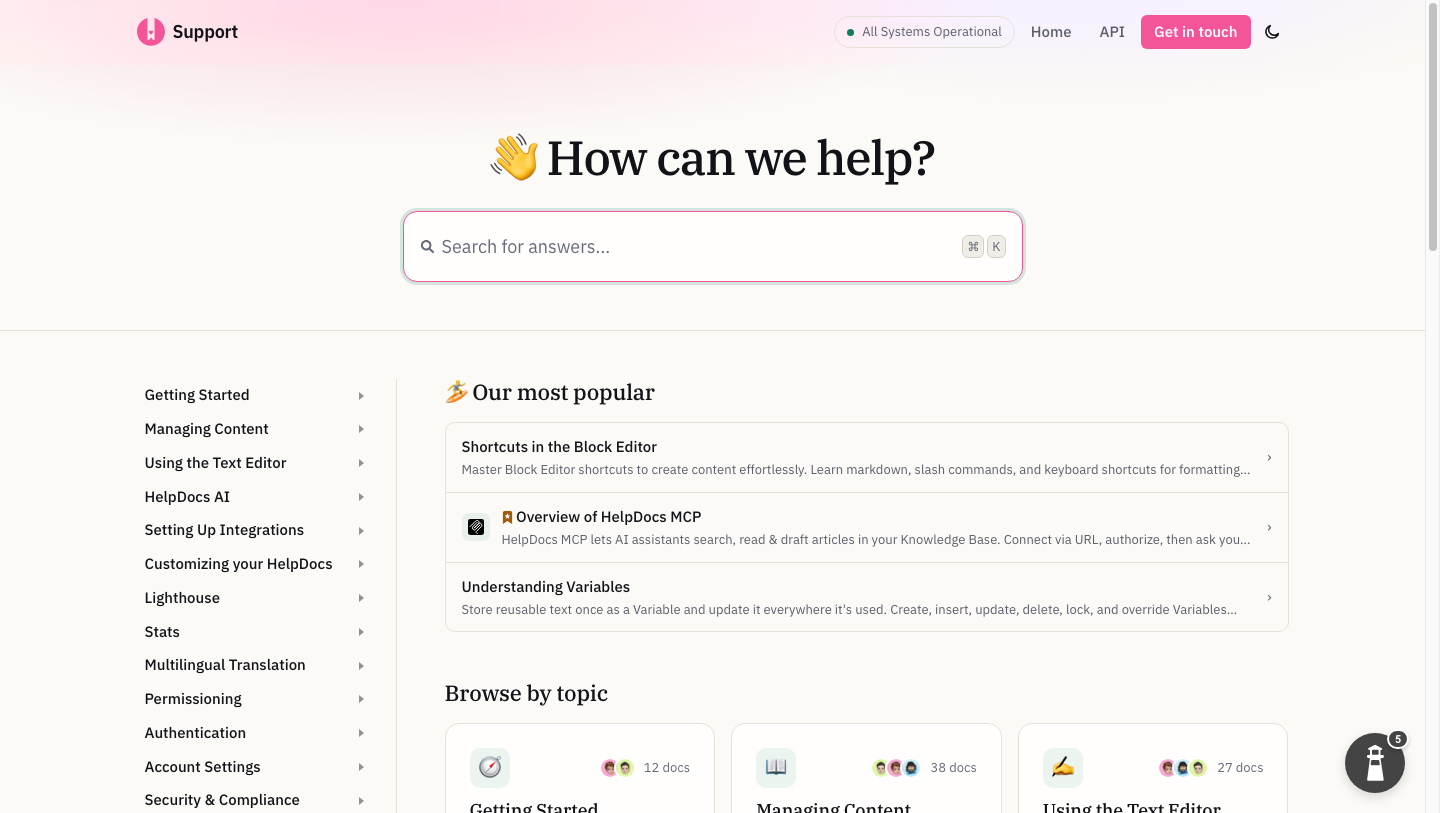
HelpDocs support site, captured October 31, 2026.
Borrow this pattern when: your support team sees many repeat questions with known answers. Put search and the most common tasks up front. Check the queries that return no useful result; those are candidates for new or improved articles.
Do not copy it blindly: a developer who needs an API authentication flow may need a guided quickstart or reference navigation before a search box. An existing help desk can be excellent at support answers without being the best home for every technical guide.
2. Help Scout: show the support system around the docs
The Help Scout Docs site groups articles around setup, account management, Inbox, Docs, and other parts of the product. The visible contact path is important: readers can try self-service without wondering how to reach the team when an article is not enough. Help Scout's product and pricing pages make clear that Docs is part of a wider inbox and support workflow.
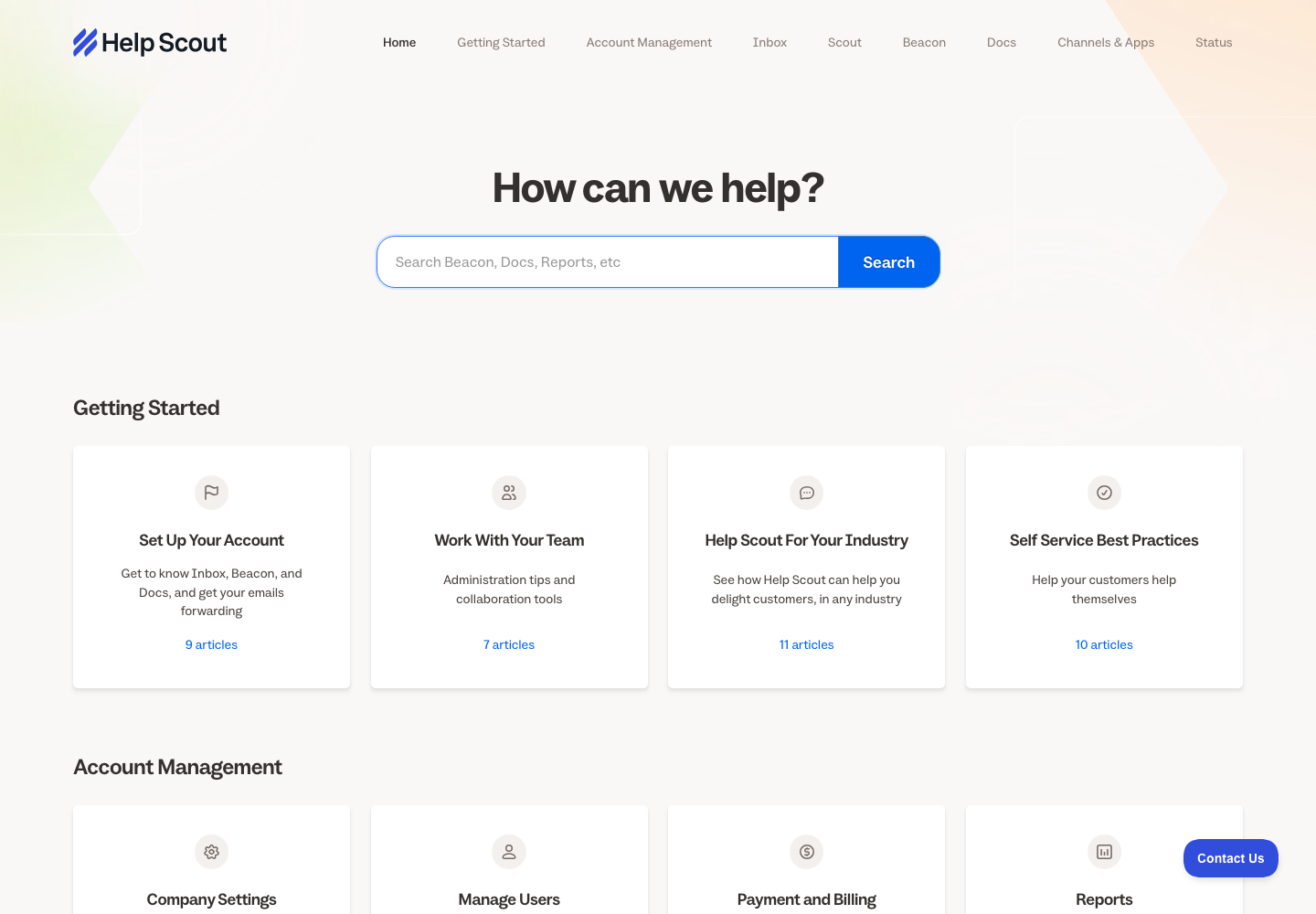
Help Scout public Docs site, captured October 31, 2026.
Borrow this pattern when: the customer might enter through a ticket, chat, widget, or article. Use the same task names in the help center that the team uses in support. A good article should be easy to send in a ticket response, not just easy to find from the home page.
Do not mistake this for ticketing itself: the article answers the reusable question; the inbox still owns assignment, private context, and follow-up. Our help-desk knowledge-base guide lays out that division.
3. MasonHub: a HelpDocs-to-DocsAlot migration
MasonHub migrated its documentation from HelpDocs to DocsAlot. Its live ERP integration playbook is hosted on DocsAlot at its own custom domain. The navigation is task-shaped: request access, understand integration flows, test in a sandbox, configure shipping methods, and prepare for production. An API reference and support link are visible alongside the guide.
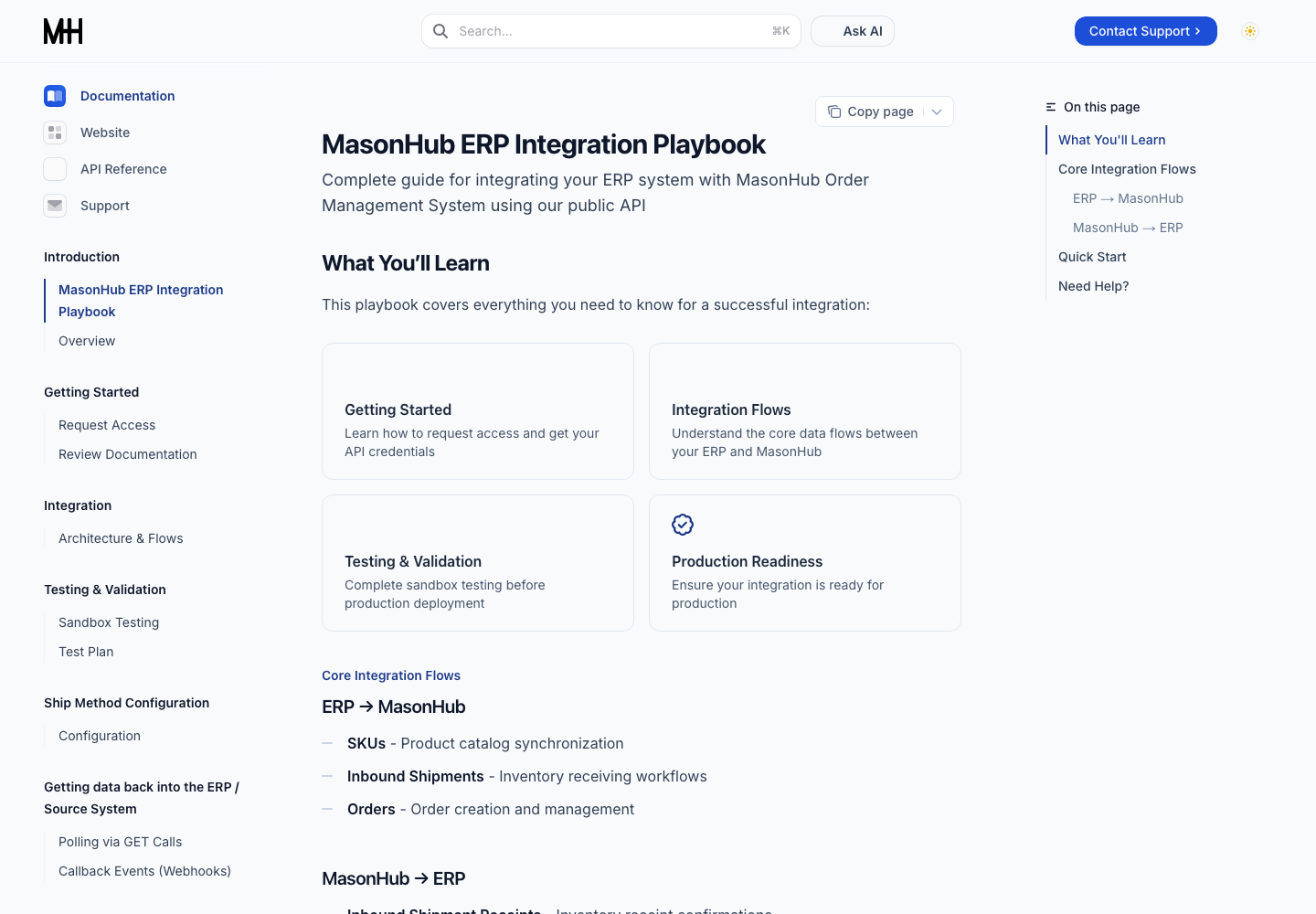
MasonHub public documentation after moving from HelpDocs to DocsAlot, captured October 31, 2026. The image shows its current published site, not a measured before-and-after result.
Borrow this pattern when: success means completing a workflow, not reading one FAQ. A reader can start with the overview, move through sandbox testing, and finish with a production checklist. Search is still available, but the site does not make the reader guess which page to open next.
What to improve in your own version: put current screenshots next to interface steps, show example requests near API claims, and link related troubleshooting from each setup step. Keep the support route visible for account-specific questions that public docs cannot answer.
What the editor has to support
The published site is only half the experience. If every screenshot update or FAQ addition requires a developer, the knowledge base drifts as the product changes. A useful editor lets the team change the actual article, review it, and publish it without breaking code blocks, links, or navigation. DocsAlot supports visual editing alongside Markdown and technical components.
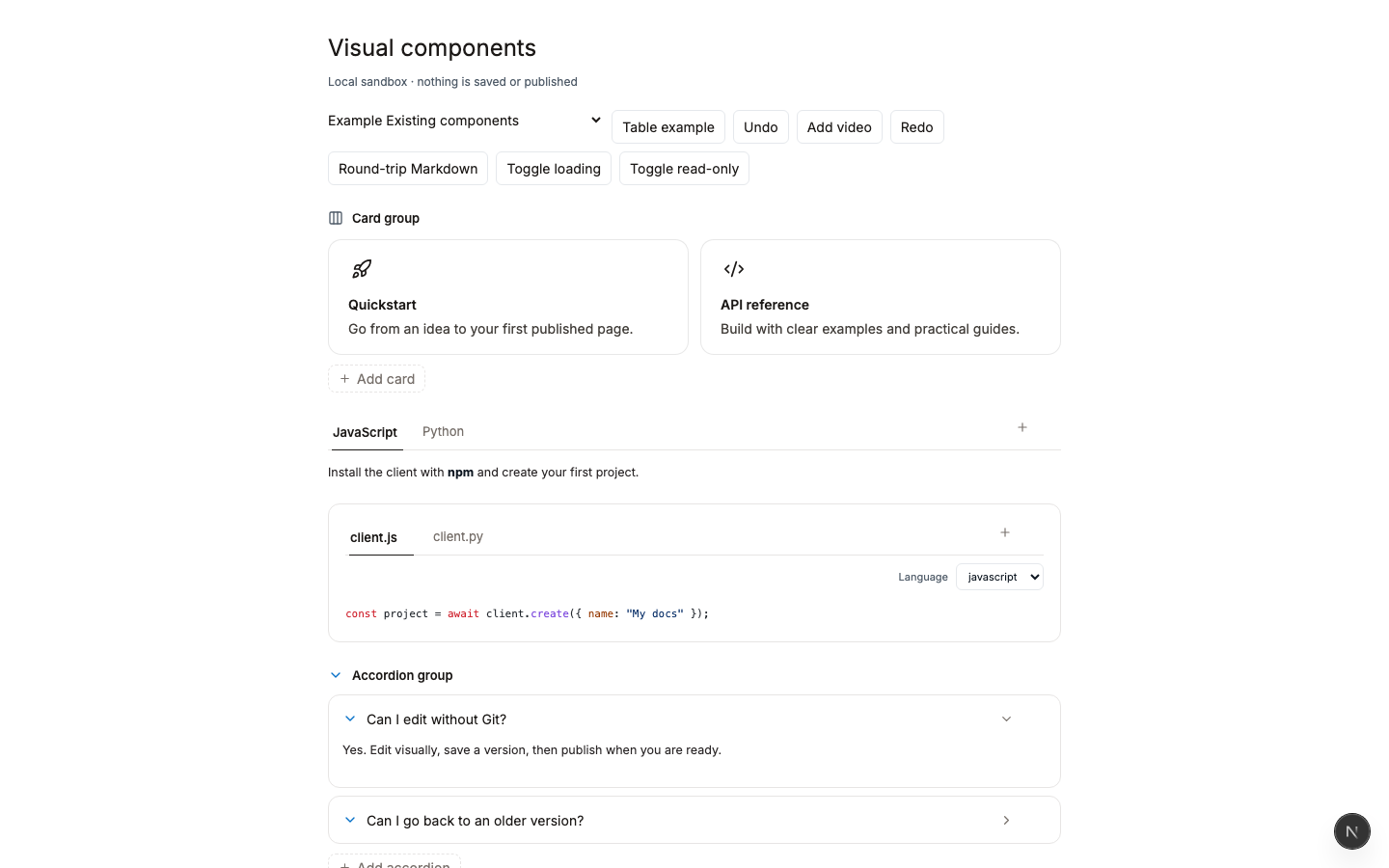
This is a local component sandbox, not MasonHub's workspace or a production editor screenshot. It illustrates the types of blocks available while authoring.
When evaluating a new platform, try rebuilding one of your own pages before making a migration decision. Use a page with a screenshot, a code sample, and a support link. Then compare the draft in the editor to the published mobile and desktop views. The test reveals more than a feature checklist.
If you are leaving HelpDocs, start with our HelpDocs alternatives shortlist and the direct DocsAlot comparison. If you already have a ticketing system and only want a better public docs layer, try the DocsAlot editor with one page.