If customers get outdated answers, the fix isn't necessarily a new chatbot. Start by finding out which article the bot read, whether it got the latest version, and who can correct the source. Then decide whether to replace the help center, the answer agent, or the inbox. Those are three different jobs.
Moving off Zendesk Guide or Intercom Articles? You can evaluate a new public help center without moving your tickets. Start with the Zendesk migration guide or Intercom Articles migration guide, then use the shortlist below to decide what to try. DocsAlot publishes this guide and is one of the options. The shortlist is based on documented workflows, not a head-to-head accuracy or speed benchmark.
The shortlist: which part do you want to change?
| Start with | Best fit | What to prove before switching |
|---|---|---|
| DocsAlot | The help center that keeps up with your product. Give customers a genuinely good-looking help center that loads fast and is built from the ground up for AI agents to read. Review updates before publishing and keep your existing inbox. | Open the published page, its Markdown, and the llms.txt index. Test hosted MCP in a compatible client if you need it. Separately verify how your current bot ingests the site. |
| Help Scout | Move the help center, inbox, and embedded support experience together. | Use Scout in Beacon with an article and an escalation topic. Check that the conversation reaches the team when the answer needs a person. |
| Intercom | Keep Messenger, Inbox, and Fin together, even if articles are published elsewhere. | Add a public test source, enable it for Fin, and verify the answer after a source refresh. Confirm how the existing Help Center custom domain affects website sync. |
| Zendesk | Keep Zendesk ticketing and its AI workflows while deciding whether to move the published site. | Connect a test external source and enable it for the knowledge experience you actually use. Verify the answer and the route to a live agent in your account. |
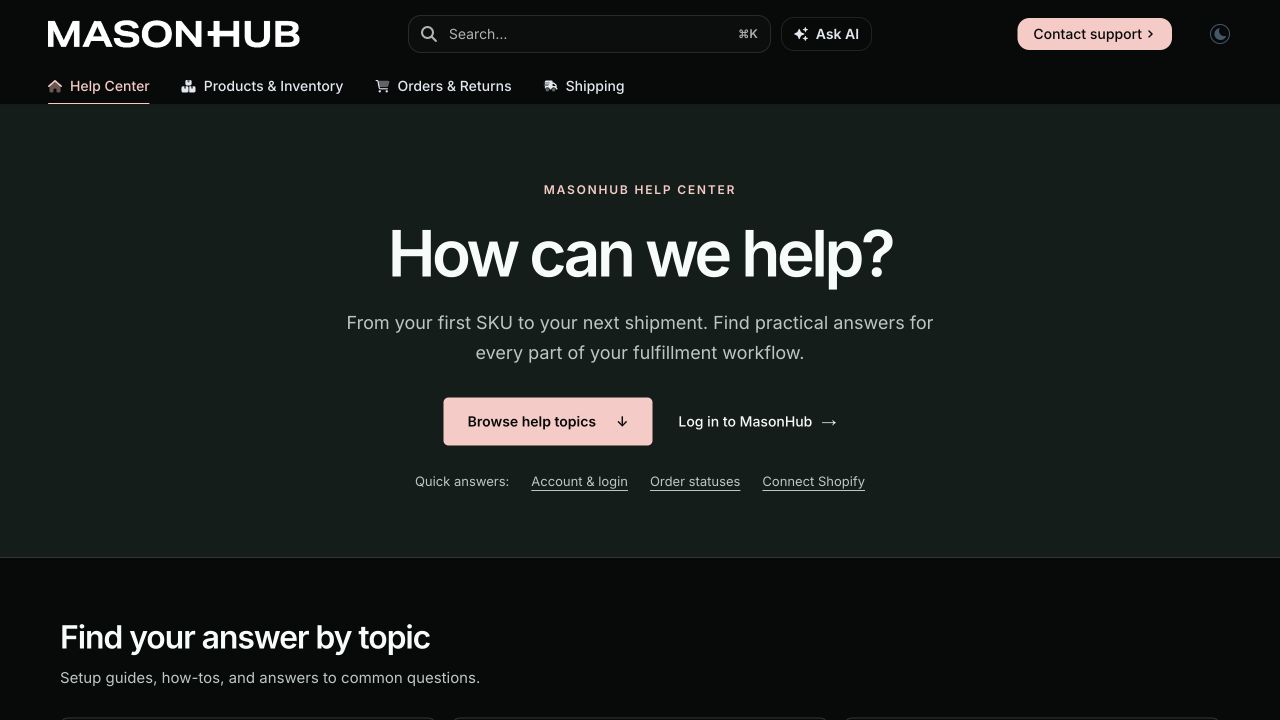
Open MasonHub's published help center. This shows what a standalone help center looks like to a customer. It does not demonstrate bot accuracy or inbox integration.
What makes an AI-native help center worth switching to?
- Readable sources. A customer should be able to open and search the site. An agent should be able to retrieve the right article through an integration it actually supports. Markdown,
llms.txt, and MCP are useful ways to expose content; none guarantees that a particular bot will ingest or cite it. - Reviewable updates. Change one policy and follow the edit all the way to the answer. Check who approves publication, how the source refreshes, and what happens when the agent still has the old version.
- A real fallback. Ask about a refund exception or an account-specific problem. The bot should know when not to answer, and customers should be able to reach the right queue without starting over.
If keeping answers current is the hard part, see how to keep your help center in sync with product releases. For published design examples, see the broader help center software roundup. For agent-facing formats, follow the AI knowledge base setup guide.
Run the same three questions on every shortlist option
Use three approved articles in a test workspace, not your entire production knowledge base.
| Test question | Pass condition |
|---|---|
| "What is the current return window?" | The answer uses the newly published rule and links to the current policy, not a retired copy. |
| "How do I set this up on the older plan?" | The answer matches the reader's version or asks a clarifying question. It does not reveal restricted instructions. |
| "Can someone check my refund?" | The conversation reaches a person with enough context to act. The bot doesn't invent an account status. |
Record the answer, source URL, time after publish or refresh, and handoff outcome. Use the support chatbot QA checklist to turn those checks into a repeatable test.
Move the help center without moving the inbox
From Zendesk Guide: Leave Support and Messaging live. Inventory public and restricted articles separately, and test deep links from macros, the contact route, and any external sources your AI agent uses before cutover. Follow the Zendesk Guide migration walkthrough.
From Intercom Articles: Leave Inbox, Messenger, and Fin live. Verify a small set of public pages as a website source, test citations, and plan the custom-domain change before disabling the old Help Center. A public website sync is not a substitute for your restricted content setup. Follow the Intercom Articles migration walkthrough.
Keep the old help center available until redirects, content access, and the route to a person pass. Start with a Zendesk migration preview or an Intercom migration preview if you want to review your own articles before committing.